
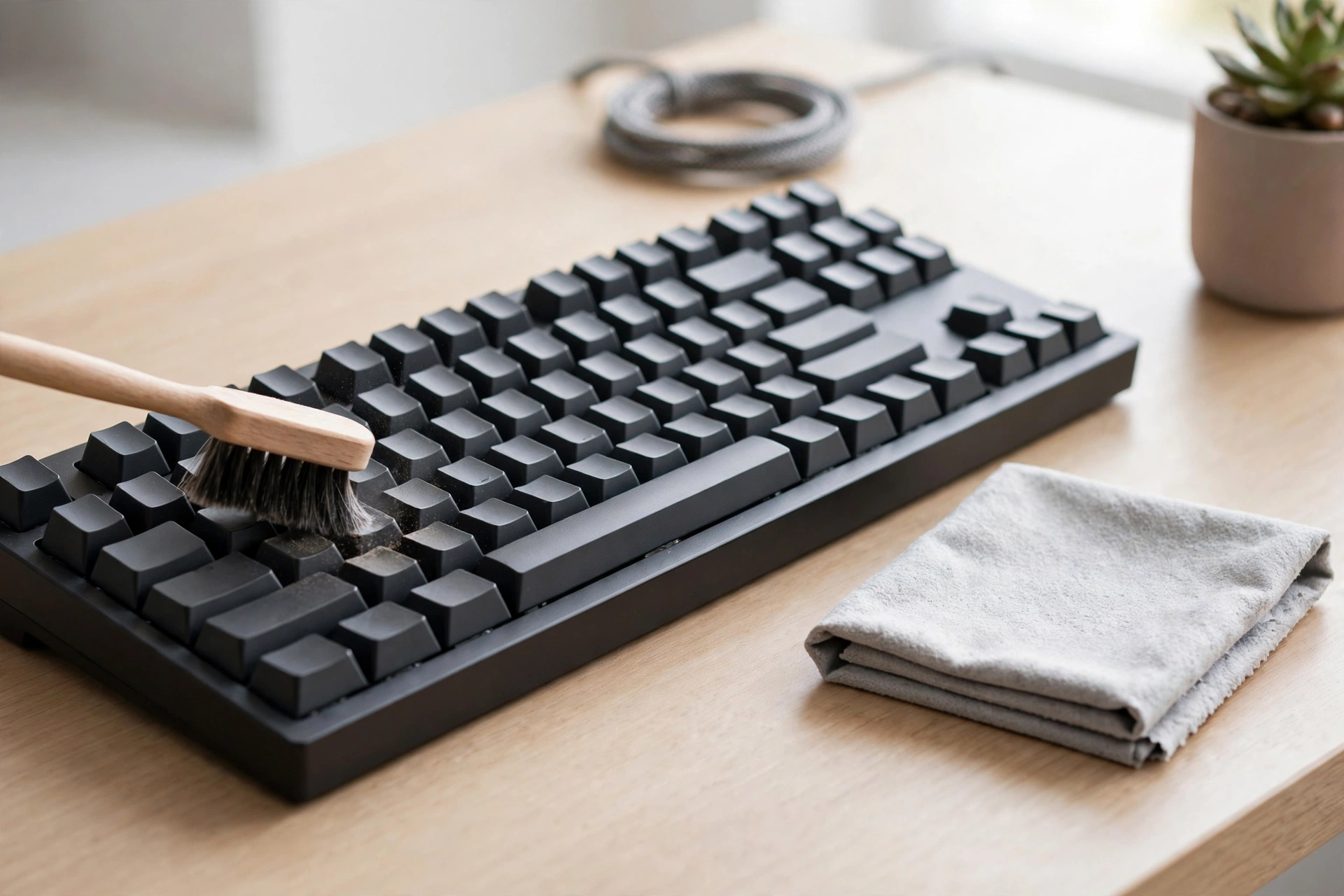
A mechanical keyboard collects more than dust. Crumbs, skin oil, hair, and pet fur settle between the keys, and over weeks they change how the board feels: keys catch, sound gritty, or respond inconsistently. Cleaning it is straightforward, but it has one rule that matters above all others: never clean a powered keyboard with liquid, and never let liquid pool on the board. Done in the right order — power off, dry clean, then a careful wet clean of the parts that can be removed — a keyboard can be restored to near-new feel in under an hour.
The short answer
Unplug the keyboard first. For a quick clean, shake it out, blast it with compressed air in short bursts, and wipe the keycaps with a dry microfibre cloth. For a deep clean, remove the keycaps with a puller, clean the base with a barely damp cloth and compressed air, soak only the keycaps in warm soapy water, dry everything completely, and reassemble using a photo of the layout. Never submerge the board, never use bleach or ammonia cleaners, and never reattach keycaps that are still damp.
Tools you need
A quick clean needs only a microfibre cloth and, ideally, a can of compressed air with a straw nozzle. A deep clean adds a keycap puller (wire or plastic, not metal, to avoid scratches), a small soft brush, a bowl for soapy water, and isopropyl alcohol at 70 percent or higher for spot cleaning. A phone photo of the keyboard before you start is the most underrated tool of all: it makes reassembly, especially of the larger keys with stabiliser bars, far easier.
Level 1: the quick clean
Do this weekly, or every few days if you use the keyboard heavily. First, unplug it, or switch a wireless board fully off. This prevents accidental key presses, short circuits, and static problems. Turn it upside down over a bin or towel and tap the back gently to knock out loose crumbs. Then blast compressed air in short one-to-two-second bursts, holding the can upright — never inverted, or it can spray liquid — and working row by row with the straw nozzle, angling the board so debris can escape rather than being pushed deeper. Wipe the keycaps with a dry, or very slightly damp, microfibre cloth, using a gentle circular motion to lift fingerprints and dust. Plug the board back in and type a sentence or two. If keys still feel gritty or catch, the board needs the deep clean below; repeating the quick clean will not reach the debris under the caps.
Level 2: the deep clean
Start the same way: unplug, and photograph the layout. Remove the keycaps with the puller, pulling each cap straight up, gently. Work row by row and keep the caps in order, or at least keep the larger keys — spacebar, shift, enter, backspace — separate, because their stabiliser bars need care on reassembly. If your board has non-removable keys, skip removal for those keys and focus on surface and gap cleaning around them. With the caps off, clean the base. Use compressed air again, holding the board at an angle and working between the switches. Then wipe the plate and switch housings with a microfibre cloth barely dampened with isopropyl alcohol. The cloth should be damp, not wet: moisture must not drip into the switches or onto the circuit board. For stubborn particles, a dry soft brush or a wooden toothpick used gently can flick lint from under switch stems, without pressing down on the stem itself. Clean the keycaps separately. Soak them in warm water with a little mild soap for ten to thirty minutes, scrub gently with a soft brush, rinse, and lay them flat on a towel. Then wait. Keycaps must be completely dry before reassembly — several hours at least, and overnight is safest. Reattaching damp caps traps moisture against the switches, which is exactly the damage a deep clean is meant to prevent. Do not use a paper towel to dry them, as it leaves residue and can scratch; let them air-dry. When everything is fully dry and any alcohol on the board has evaporated, reassemble using your photo, pressing each cap down with even pressure until it clicks. Test every key, especially the larger stabilised keys, before calling the job done.
What not to do
Never submerge the whole keyboard in water, even for a “deep” clean: the board, switches, and electronics are not designed for it. Never use household cleaners containing bleach or ammonia, which can damage plastics and finishes. Never use a vacuum cleaner directly on exposed switches, as it can generate static and, in some cases, damage components; compressed air is the safer tool. Never force a keycap off with a screwdriver or excessive force, which can snap a stem or scratch the plate. And never clean a keyboard while it is plugged in or powered on: a stray drop of liquid on a live board is a short circuit waiting to happen.
How often, and when to go further
A quick clean weekly and a deep clean every few months is enough for most users; heavy users, pet owners, and people who eat at their desks may need deep cleans more often. If keys still feel gritty, sound crunchy, or respond inconsistently after a proper deep clean, the problem may be inside a switch rather than on it — worn or damaged switches, or debris that cleaning cannot reach. At that point, switch replacement or professional servicing, rather than more aggressive cleaning, is the right next step. Lubricating switches is a separate, advanced job: it should only be attempted after confirming that debris is not the cause, and only with the right lubricant and method for your switch type.
FAQs
Can I clean a mechanical keyboard without removing the keycaps?
Yes, for a quick clean: shake it out, use compressed air, and wipe the caps. For gritty or sticky keys, removal is needed to reach the debris underneath.
How long must keycaps dry before reassembly?
Until completely dry — several hours at minimum, overnight if possible. Reattaching damp caps traps moisture against the switches and risks damage.
Is isopropyl alcohol safe for keyboards?
Yes, at 70 percent or higher, applied to a barely damp cloth for spot cleaning the plate and housings. It evaporates quickly. Never pour it onto the board, and never use it on a powered keyboard.
Should I use a vacuum on my keyboard?
A vacuum over closed keycaps for surface dust is generally fine, but avoid vacuuming directly on exposed switches after cap removal, as it can generate static. Compressed air is safer for the base.
Bottom line
Keyboard cleaning is a sequence, not a scrub: power off, dry clean first, remove caps for a deep clean, soak only the caps, dry everything completely, and reassemble from a photo. Avoid liquid on the board, bleach and ammonia cleaners, force, and damp reassembly, and a board that felt gritty will feel new again — without risking the switches that make it worth owning.
Related reading: how to clean a hair dryer filter; how to clean a yoga mat; Cleaning
Sources: HP guide to cleaning and maintaining a mechanical keyboard; iFixit mechanical keyboard cleaning technique